
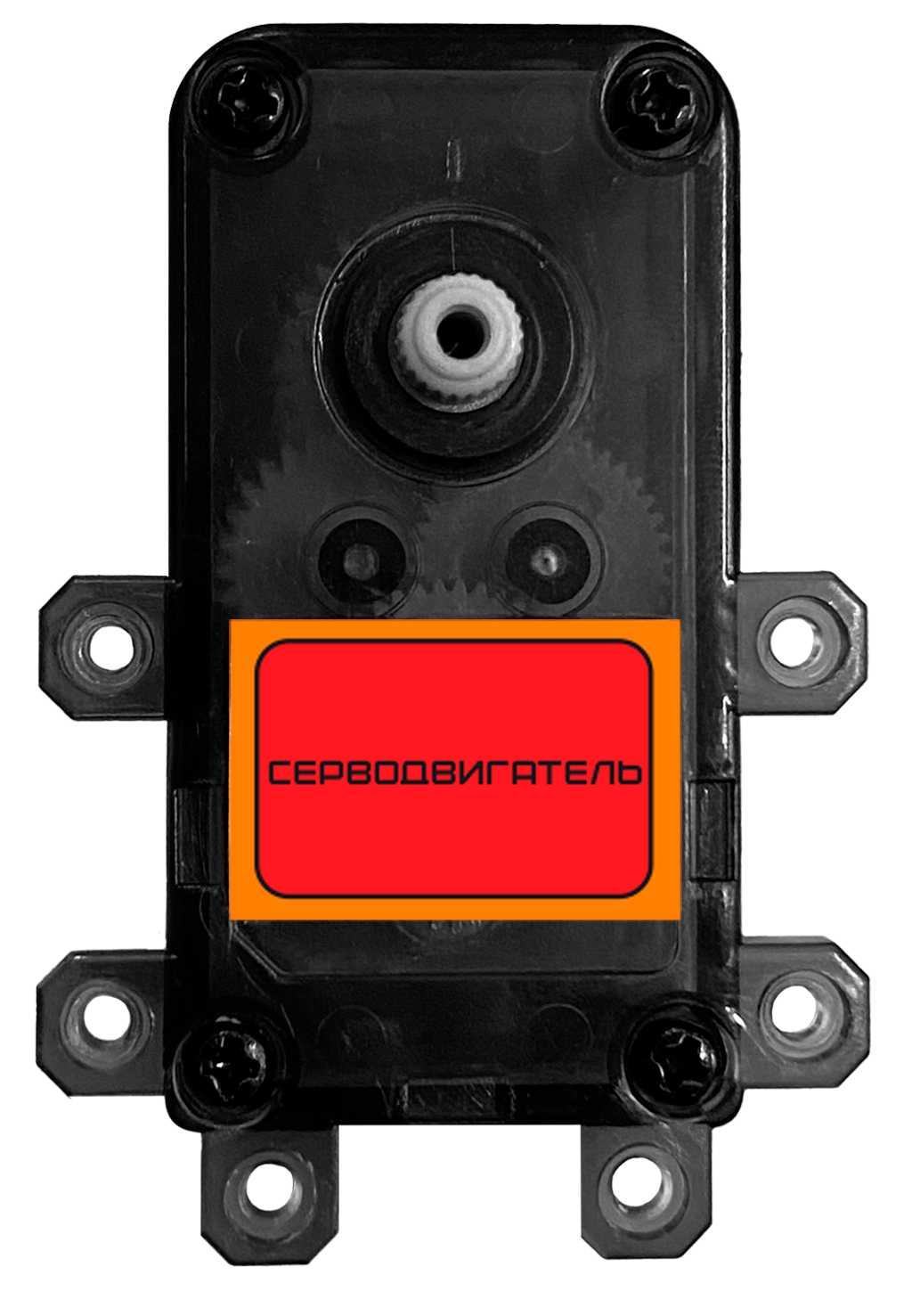
TECHNICAL SPECIFICATIONS — LARGE SERVO
- Control: automatic phase adjustment.
- Operating voltage: 5.5–9 V.
- Operating temperature range: -20 °C to +60 °C.
- Position sensor: potentiometer.
- Torque: 4.8 kg·cm ±15% at 5.5 V / 6.5 kgf·cm ±15% at 9 V.
- Operating angle: 180°.
- Maximum operating current: 140 mA.
- Connector cable length: 300 mm.
Small servo motor
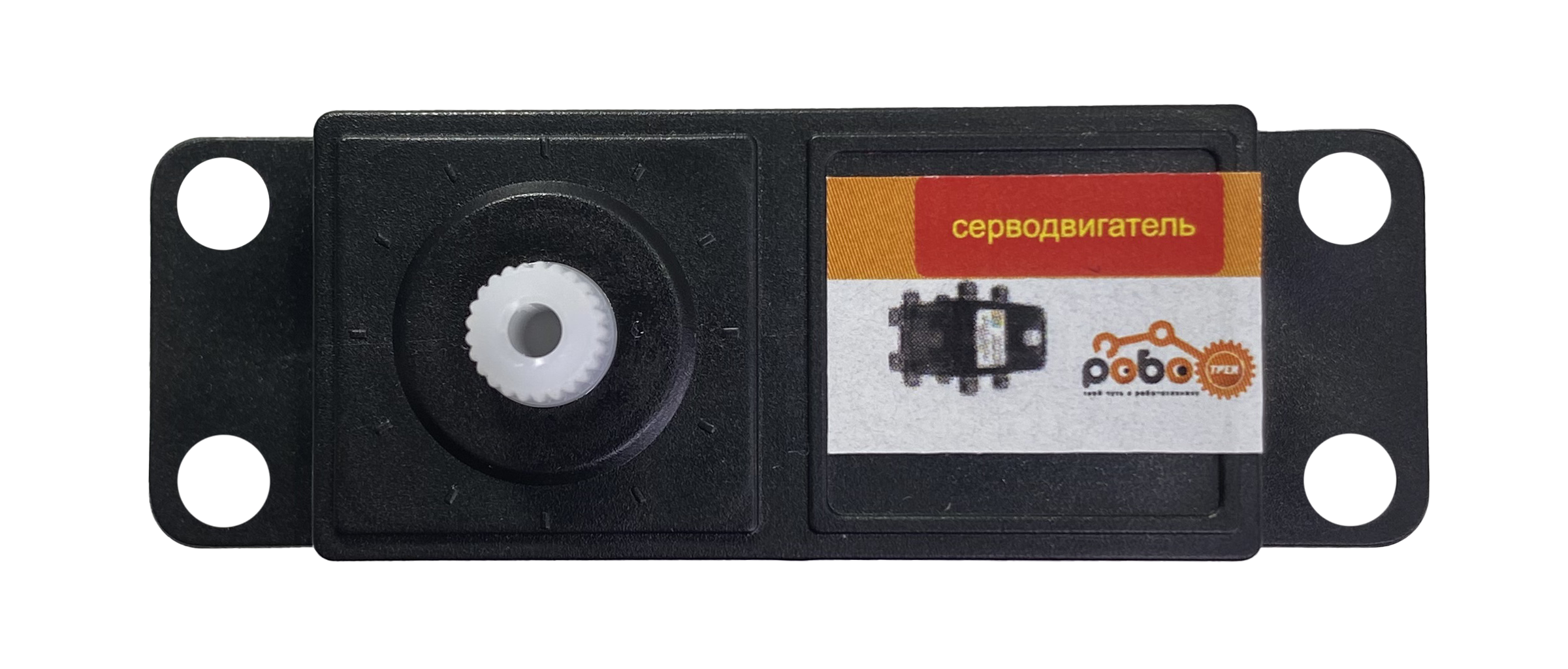
TECHNICAL SPECIFICATIONS — SMALL SERVO
- Operating voltage: 3.7–6 V.
- Operating angle: 180°.
- Speed: 0.13 s per 60°.
- Load current: 600 mA at 6 V.
- Torque: 10.6 kg·cm at 6 V.
Description
A servo motor is a mechanism that moves its output shaft to a specified position and holds that angle.
Robotrack kits may include two servo motor types: small and large. They differ in size, mounting method, and torque. Both have an operating range of 0–180° and are controlled by a PWM signal.
Use
Connection
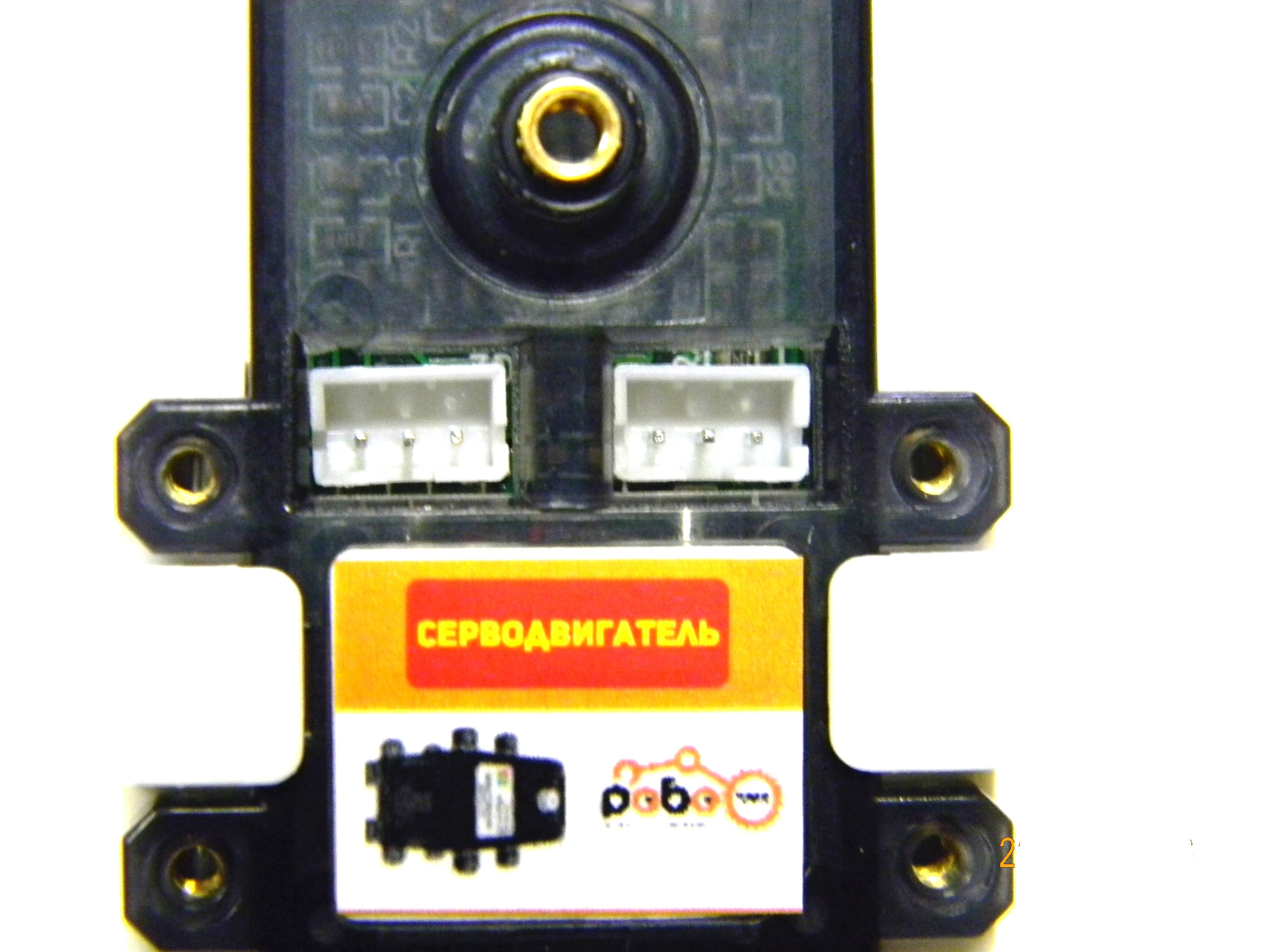
The servo uses a standard 3-pin connector and can be connected to any Trackduino OUT port that supports PWM generation: OUT1–OUT5.
The large servo has two bus connectors on the motor itself. They are identical and connected to each other, so either one can be used. The ports can also connect several servos in series so they move synchronously while using a single controller port. A cable for this connection is not included.
One or two servos can be powered through USB. If the OUT-port power overload indicator lights up, use an external power supply and switch servo power to it with the corresponding jumper. See the Trackduino controller power diagram, section “Power for motors and servo motors.”
Programming
The Servo motor and Small servo motor blocks are in the Motors block group. Servos use the standard Servo library.
Large and small servos respond differently to control signals and do not use the standard sensitivity setting in the Servo library. Use the corresponding block for each servo type.
| Block and generated function | Description |
|---|---|
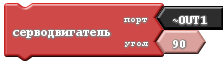 Init: Servo servo_port_PORTX;Setup: servo_port_PORTX.attach(int port, BIG_SERVO);Main loop: servo_port_PORTX.write(int angle); | For the large servo. Creates a Servo object named servo_port_PORTX if it does not already exist, where PORTX is the selected port. The attach function initializes PWM on that port in Setup with the BIG_SERVO sensitivity setting. At the point where the block is used, .write(angle) sends the control signal for the requested angle.Arguments: port (int port) — servo port; angle (int angle) — target angle from 0 to 180. |
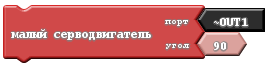 Init: Servo servo_port_PORTX;Setup: servo_port_PORTX.attach(int port, SMALL_SERVO);Main loop: servo_port_PORTX.write(int angle); | For the small servo and third-party servo motors. Creates a Servo object named servo_port_PORTX if it does not already exist, where PORTX is the selected port. The attach function initializes PWM on that port in Setup with the SMALL_SERVO sensitivity setting. At the point where the block is used, .write(angle) sends the control signal for the requested angle.Arguments: port (int port) — servo port; angle (int angle) — target angle from 0 to 180. |
Project example
Noise indicator
The program measures noise with a microphone, scales the reading to a range of 0–180, and moves the servo to that angle. The servo acts as the pointer on a measuring instrument. With no sound (a microphone reading of 0), the pointer moves to 0°. At the maximum sound reading (1023), it moves to 180°.
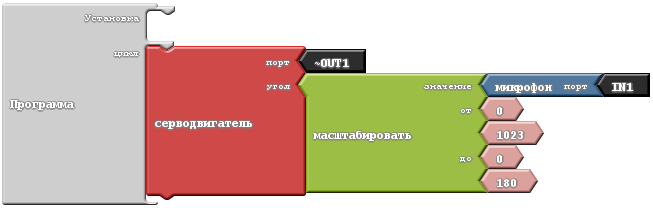
Generated code:
#include <Servo.h>

Servo servo_port_OUT1;

void setup()
{
  servo_port_OUT1.attach(OUT1, BIG_SERVO);
}

void loop()
{
  servo_port_OUT1.write( map ( micAnalog(IN1) , 0 , 1023 , 0 , 180 )  );
}