
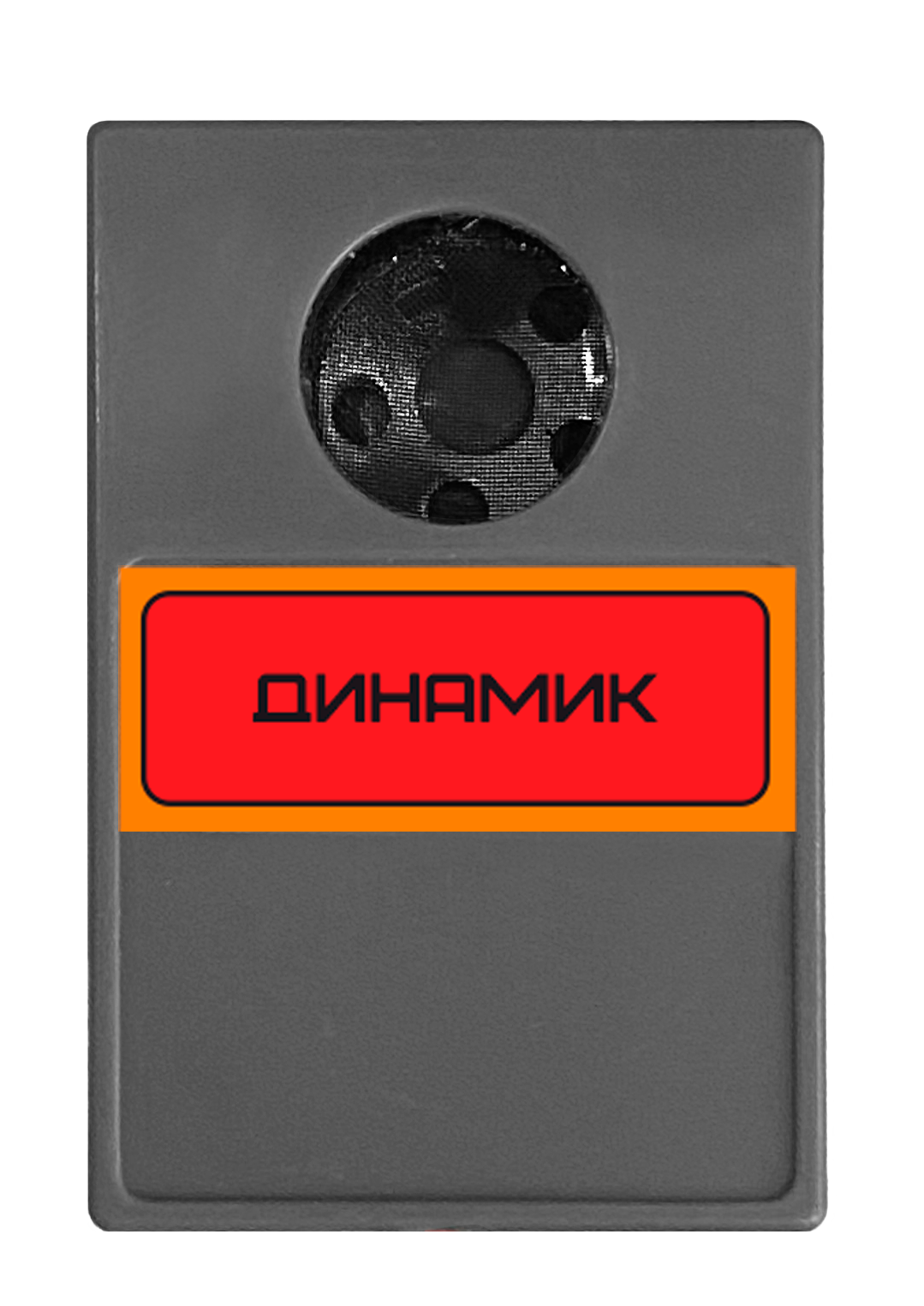
Description
A speaker (short for loudspeaker driver) is a device that converts electrical signals into sound and radiates it into the surrounding space.
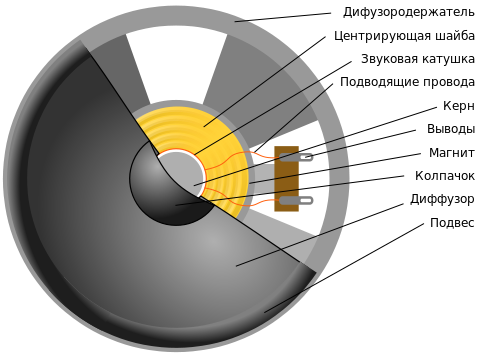
An electrical signal is converted into sound when current moves a coil within the magnetic field of a permanent magnet. The resulting mechanical vibrations are then converted into vibrations in the surrounding air by the speaker cone.
Use
Connection
The speaker uses a standard 3-pin connector and can be connected to any OUT port on the Trackduino controller.
Programming
The block used to work with the speaker is called Buzzer and is in the Actuators block group.
| Block and generated function | Description |
|---|---|
 tone(int port, int freq); | Starts generating a square wave at the specified frequency on the specified port. Arguments: port (int port) — PWM port connected to the speaker, OUT1–OUT5.frequency (int freq) — signal frequency in hertz. |
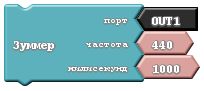 tone(int port, int freq, int time); | Starts generating a square wave at the specified frequency and stops after the specified time. Arguments: port (int port) — PWM port connected to the speaker, OUT1–OUT5.frequency (int freq) — signal frequency in hertz.milliseconds (int time) — signal duration in milliseconds.The program pauses at this step until the specified time has elapsed. |
 noTone(int port); | Stops signal generation on the specified port. Arguments: port (int port) — PWM port connected to the speaker, OUT1–OUT5. |
Project example
Doorbell
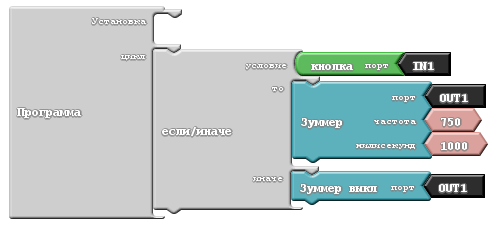
Generated code:
void setup()
{
  pinMode( IN1 , INPUT);
}

void loop()
{
  if (buttonRead(IN1))
  {
    tone(OUT1, 750, 1000);
  }
  else
  {
    noTone(OUT1);
  }
}