In 2027, the Youth and Children national project provides for equipping computer science classrooms. Robotrack offers two software solutions: Trekikod for programming and algorithmic thinking, and NNTrack for visual modelling, training, and testing of neural networks.
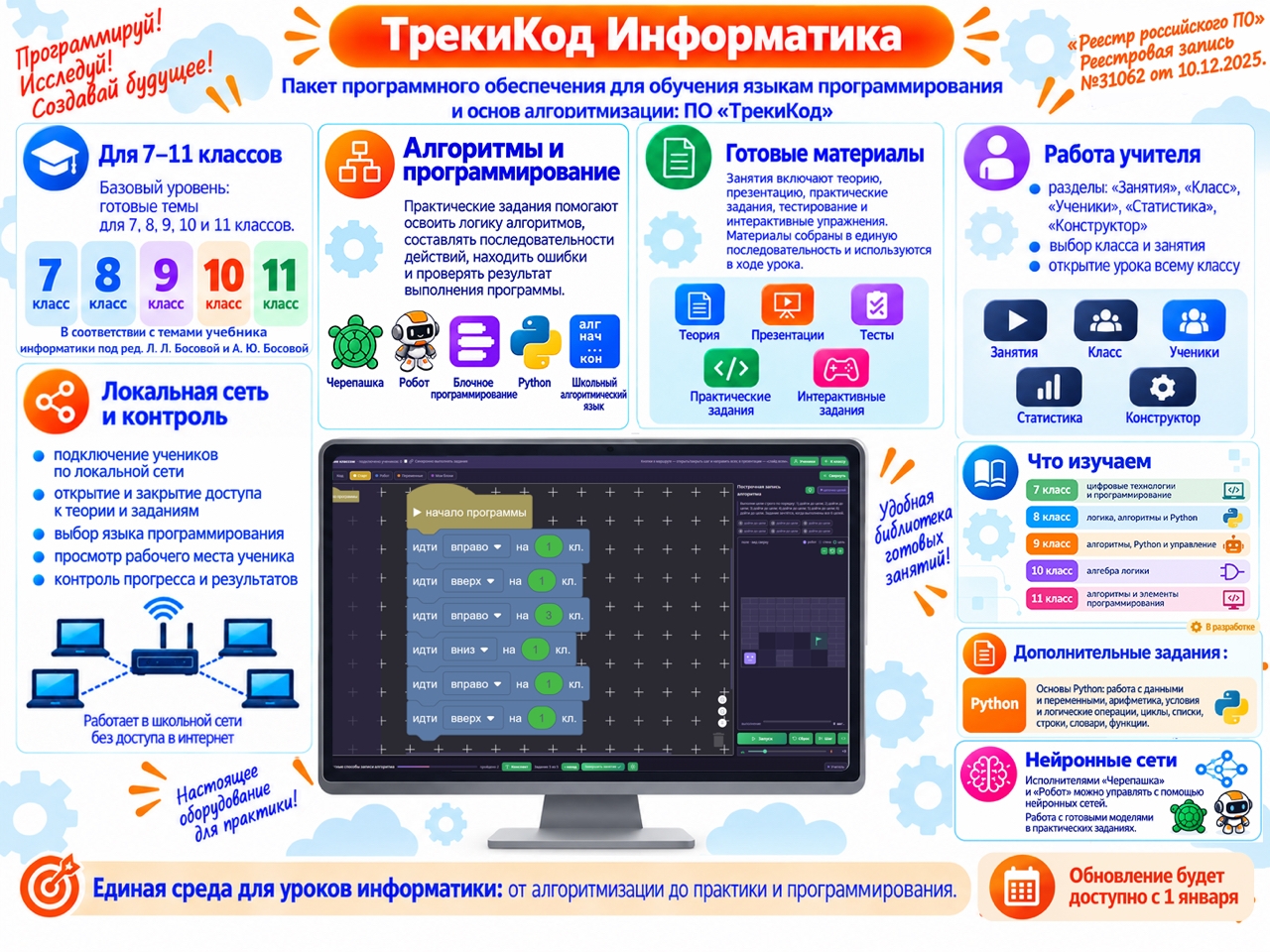
Trekikod software package for learning programming languages and algorithmic thinking
Compliance and listing: complies with clause 2.18.6 of Russian Ministry of Education Order No. 838, dated 28 November 2024; included in the technical equipment list for computer science classrooms; and included in the Russian Software Registry of the Ministry of Digital Development, Communications and Mass Media (registry entry No. 31062, dated 10 December 2025).
Robotrack Computer Science
The software package uses the Trekikod environment, which includes a dedicated Computer Science pathway. Teachers get a sequence of ready-to-use lessons, theory, presentation materials, practical activities, interactive exercises, tests, and educational performers.
Robotrack Computer Science is a set of ready-made lessons for grades 7–11. It covers algorithms and programming, educational performers, practical activities, tests, and tools for managing classroom work. It is designed for lessons, extracurricular activities, and supplementary education.
Grade coverage
The course is intended for grades 7–11 and follows the gradual progression of the school computer science curriculum.
| Grade | Main focus |
|---|---|
| 7 | Digital technologies and programming |
| 8 | Logic, algorithms, and Python |
| 9 | Algorithms, Python, and control |
| 10 | Boolean algebra |
| 11 | Algorithms and programming fundamentals |
A preparatory computer science course for grades 5–6 is planned as part of a continuous education pathway.
Alignment with the school curriculum
The materials follow the computer science textbooks by L. L. Bosova and A. Yu. Bosova. Topics are sequenced so that activities do not rely on constructs or concepts pupils have not yet studied. For example, sequence exercises use only familiar commands; branches and loops are introduced after the corresponding theory. Practical work in Trekikod reinforces the topic being studied.
Learning strands
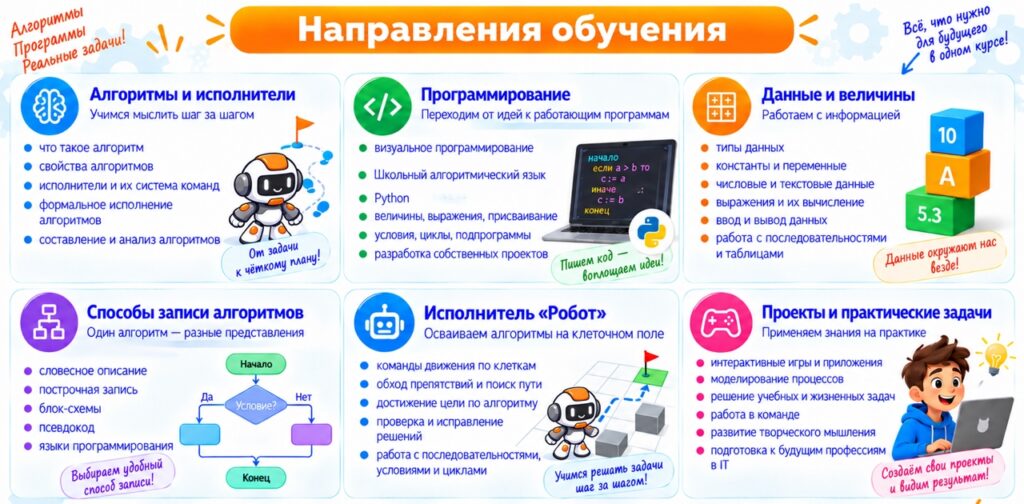
The course builds knowledge and practical skills across several connected areas.
Algorithms and performers
- The concept of an algorithm and its properties.
- A performer, its environment, and its command system.
- Formal execution of commands and sequences of actions.
- Analysing an algorithm's output and finding and correcting errors.
Ways to represent algorithms. Pupils use verbal descriptions, line-by-line notation, flowcharts, the School Algorithmic Language, and programming. They learn that the same algorithm can be represented in different ways.
Data, values, and expressions
- Constants and variables; numeric, string, and Boolean data.
- Expressions and evaluating them.
- Assignment, input and output, and tabular data.
Algorithmic structures
- Sequences and linear algorithms.
- Complete and incomplete branching, including combinations of branches.
- Loops with a continuation condition, termination condition, or fixed number of repetitions.
- Variable-controlled and nested loops.
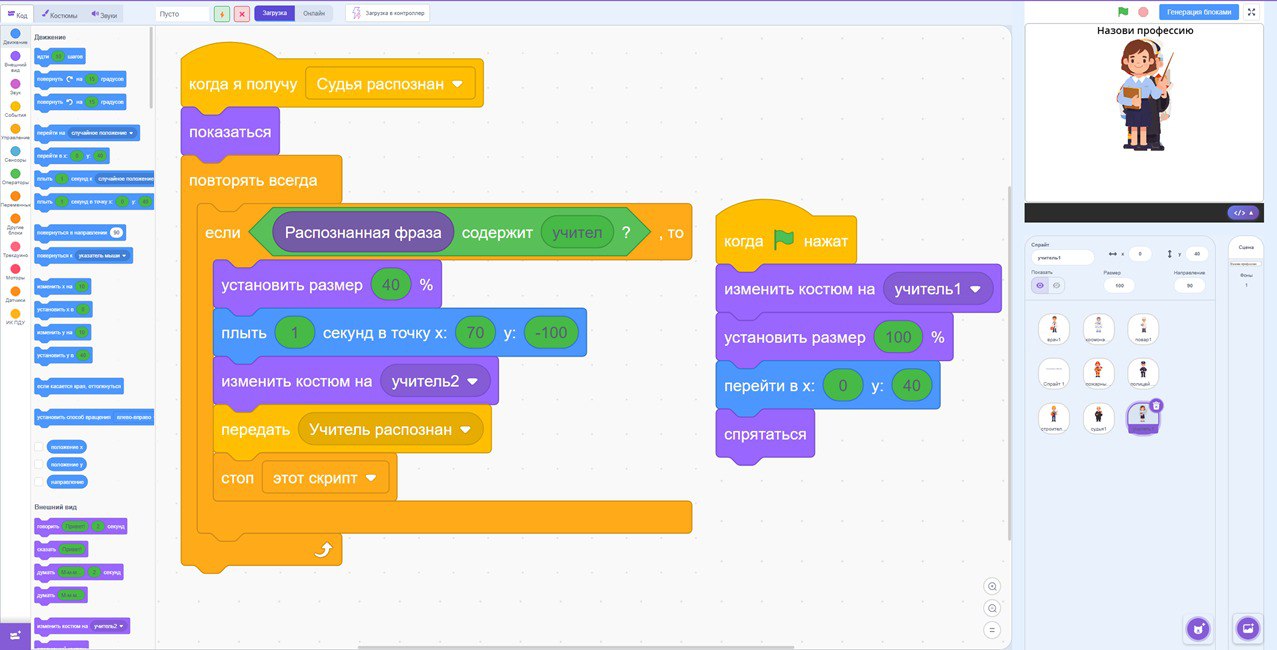
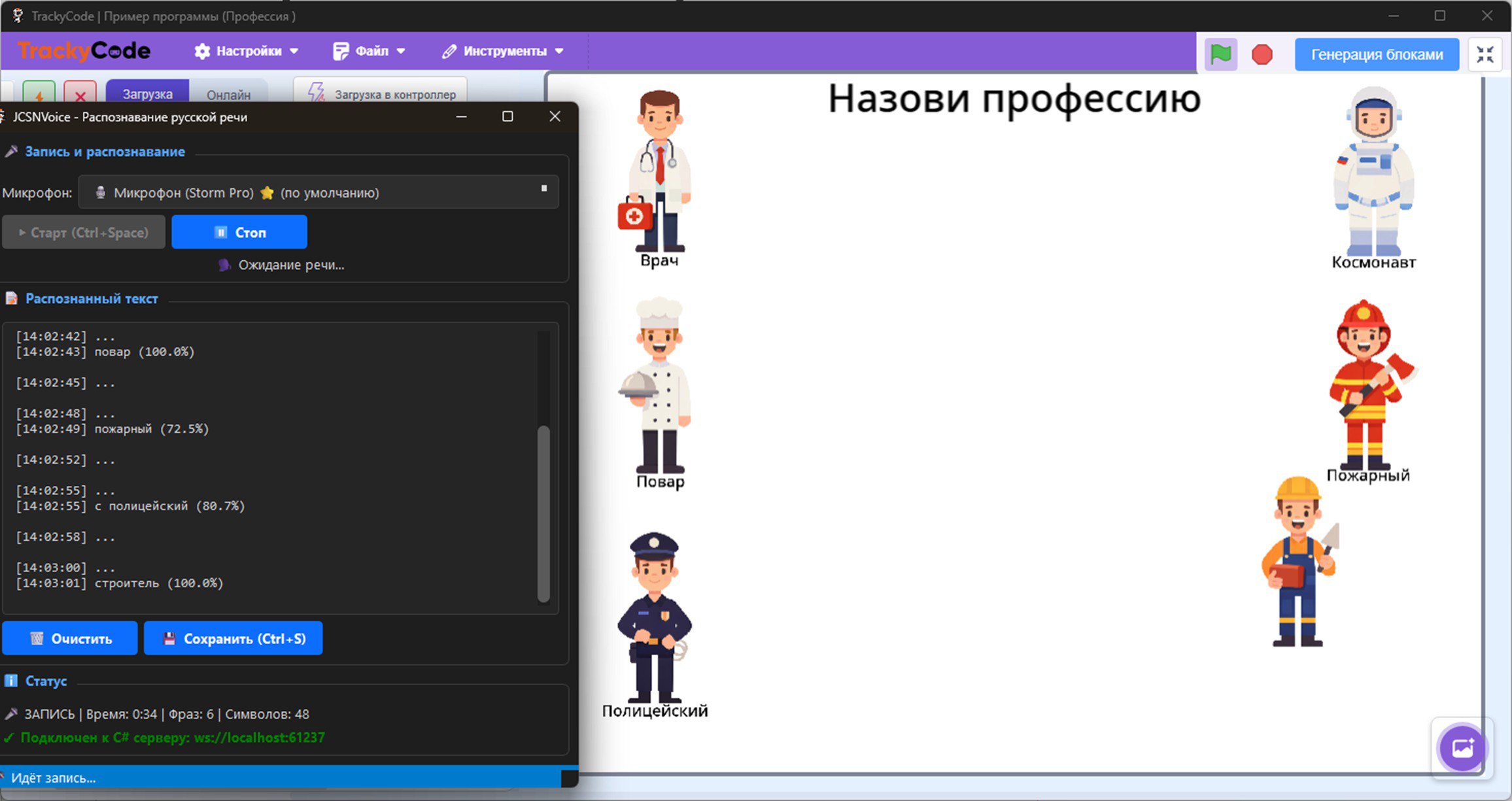
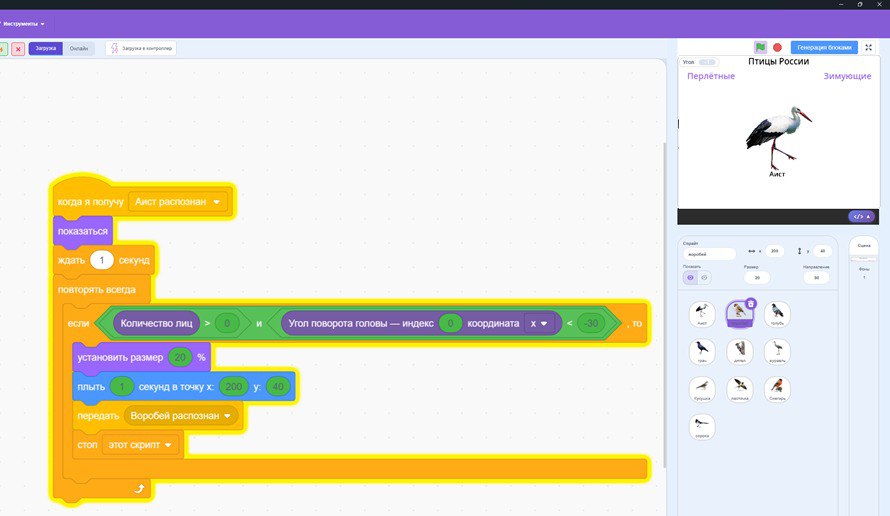
Neural networks. Pupils use ready-made neural networks and feed recognition results into programs that control educational performers. They obtain model outputs, use recognition results in algorithms, control the Turtle and Robot performers, and apply models in practical projects.
Educational performers
Practical algorithm and programming work uses the Turtle and Robot performers. Pupils write programs, execute commands, and check the results.
The Turtle moves around the screen and draws lines and geometric shapes. It is used to study command sequences, coordinates, turns, loops, and other constructs: movement and turns, drawing, coordinates, repetition, and the progression from a simple algorithm to a program.
The Robot moves on a grid. It is a virtual educational performer inside the software environment, not a physical robot. Pupils plan movement and interaction with the environment, run the program, and check the result. Commands cover grid movement, routes and goals, walls and obstacles, objects in the environment, conditions, branches, and loops. Pupils also find and correct errors. A ready-made neural network can be linked to a performer's actions.
From blocks to Python
Pupils move gradually between three ways of writing a program. Visual blocks let them focus first on algorithm logic. They then use the text-based School Algorithmic Language and progress to Python. Topics include commands and sequences, values and assignment, input and output, conditions, different types of loops, nested loops, graphical drawings, and practical programs.
Lesson structure and practical work
Depending on the topic, a Trekikod Computer Science lesson can include theory, presentations, interactive exercises, a test, practice with the Turtle and Robot performers, block programming, School Algorithmic Language, and Python.
In practical tasks, pupils analyse a problem, create an algorithm, choose how to represent it, run the program, check the output, and debug it. Tasks become more complex as the course progresses. Teachers can make only the commands and constructs already covered available to pupils.
Teacher tools and local network
Lesson materials are collected in one environment. Teachers have presentations and lesson plans, while pupils complete activities and program without switching to other applications. Teacher sections include Lessons, Class, Pupils, Statistics, and Builder. Teachers can select a class and lesson; connect pupils over the local network; open a lesson for the class; control access to theory and tasks; choose permitted programming languages; view an individual pupil's workspace; track task completion and progress; review test results; and manage the lesson.
Pupil workstations connect to the teacher over the school's local network, allowing the teacher to manage classroom work centrally.
Learning outcomes
Pupils learn to:
- explain the concepts of a performer, algorithm, and program;
- describe solutions in different ways, including flowcharts;
- create algorithms for the Robot and Turtle performers;
- use sequences, branches, and loops;
- analyse algorithms and determine their output for given initial data;
- divide a task into subtasks and use branches, loops, and helper algorithms;
- use constants, variables, expressions, and assignment;
- work with numeric, Boolean, and character data;
- create and debug programs that implement basic data-processing algorithms;
- use Python and the School Algorithmic Language;
- find and correct syntax and logic errors;
- write and debug programs for numeric sequences and one-dimensional arrays;
- read programs containing branches, loops, and subroutines;
- modify existing programs to solve new problems.
Trekikod Computer Science update
The source page describes a major Trekikod update with a dedicated Computer Science pathway as available from 1 January. It includes ready-made lessons for grades 7–11, theory and presentation materials, interactive activities and tests, the Turtle and Robot performers, block programming, School Algorithmic Language, Python, classroom management, local-network pupil connections, progress and results tracking, and a builder for custom lessons.
Additional Trekikod features
Build your own lessons. Teachers can assemble a lesson from steps in their chosen order, combining theory, presentations, interactive activities, tests, and tasks for the Robot and Turtle performers. Tasks can include completion conditions, hints, and restrictions. A teacher can create a short independent assignment or a full lesson with explanation, practice, and assessment.
Programming physical controllers. The page describes three educational robotics configurations:
| Kit | Controller and programming | Purpose |
|---|---|---|
| Robotrack Computer Science | Trackduino; block programming | Move from algorithms and virtual performers to controlling a physical device. |
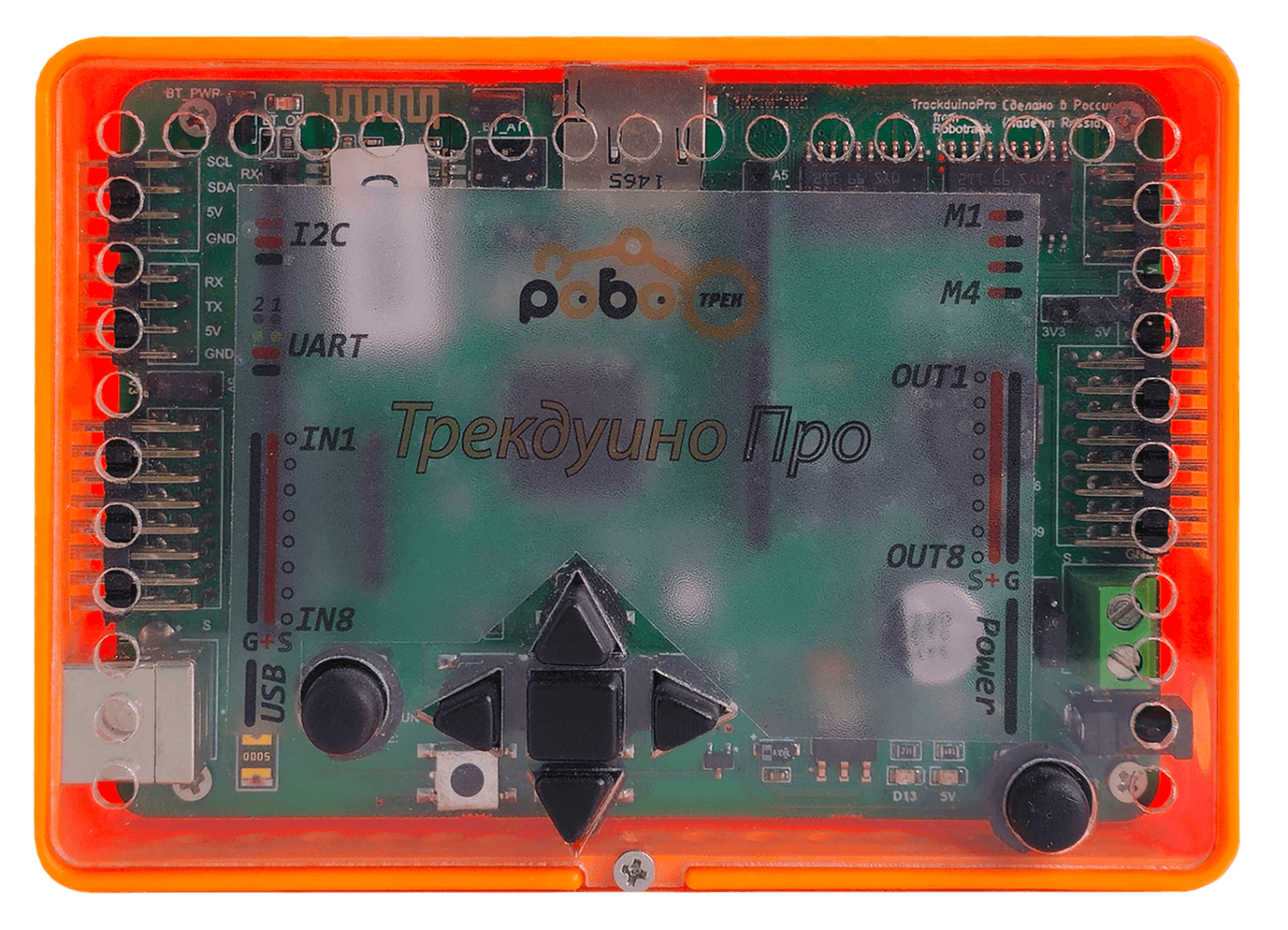
| Robotrack Computer Science with Trackduino PRO | Trackduino PRO; Python | Program the controller in Python and control connected components. |
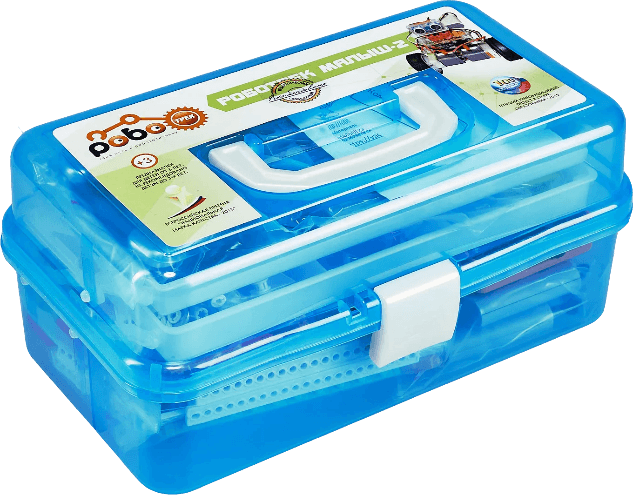
| Robotrack Malysh-2 | Trackduino; block programming | Move from algorithms and virtual performers to controlling a physical device. |
AI and ready-made neural networks. Trekikod can use ready-made neural networks and pass recognition results to programs and projects. A model output can trigger a virtual performer's action or be used as an algorithm condition. Pupils can get a model result, use it in a program, link it to an action, and apply a ready-made model in a practical project.
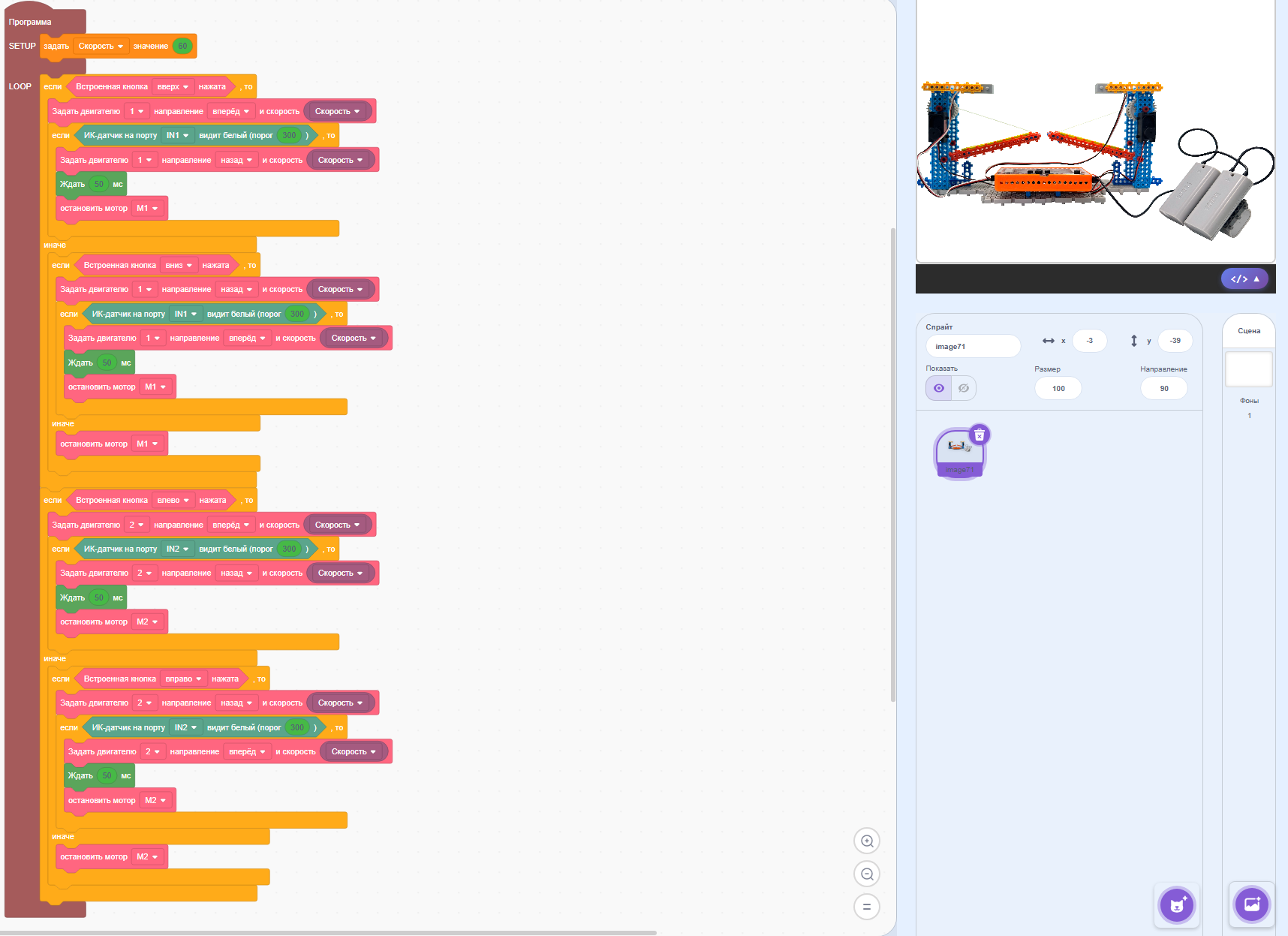
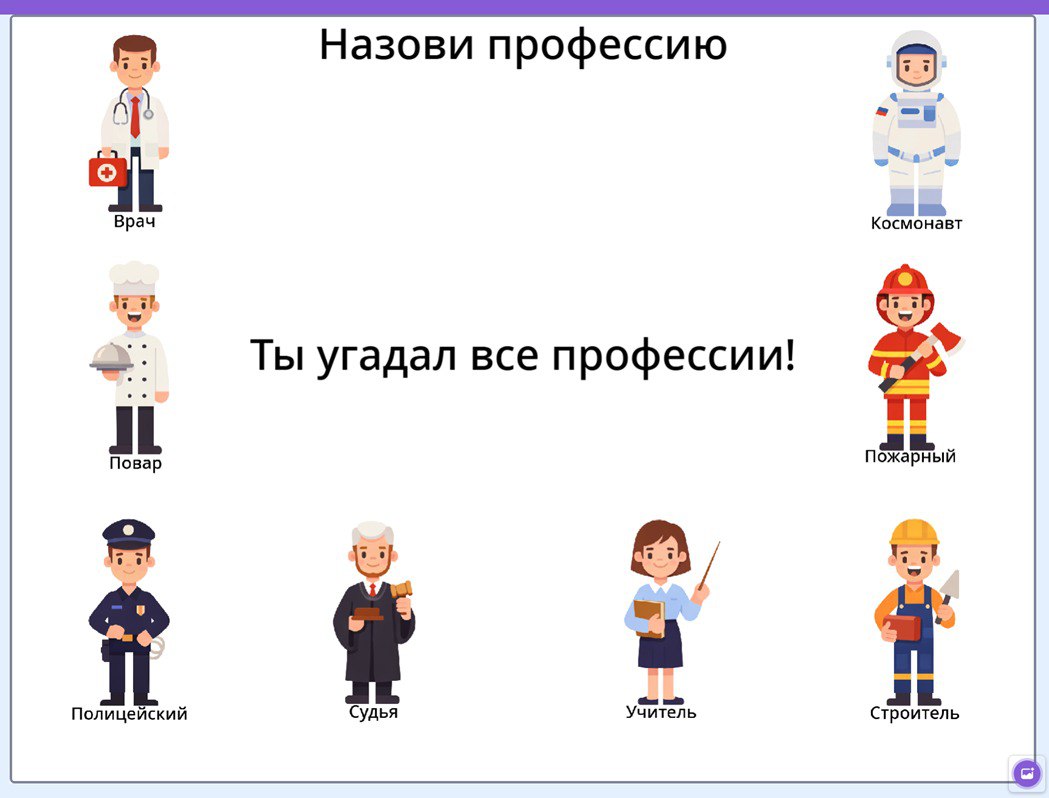
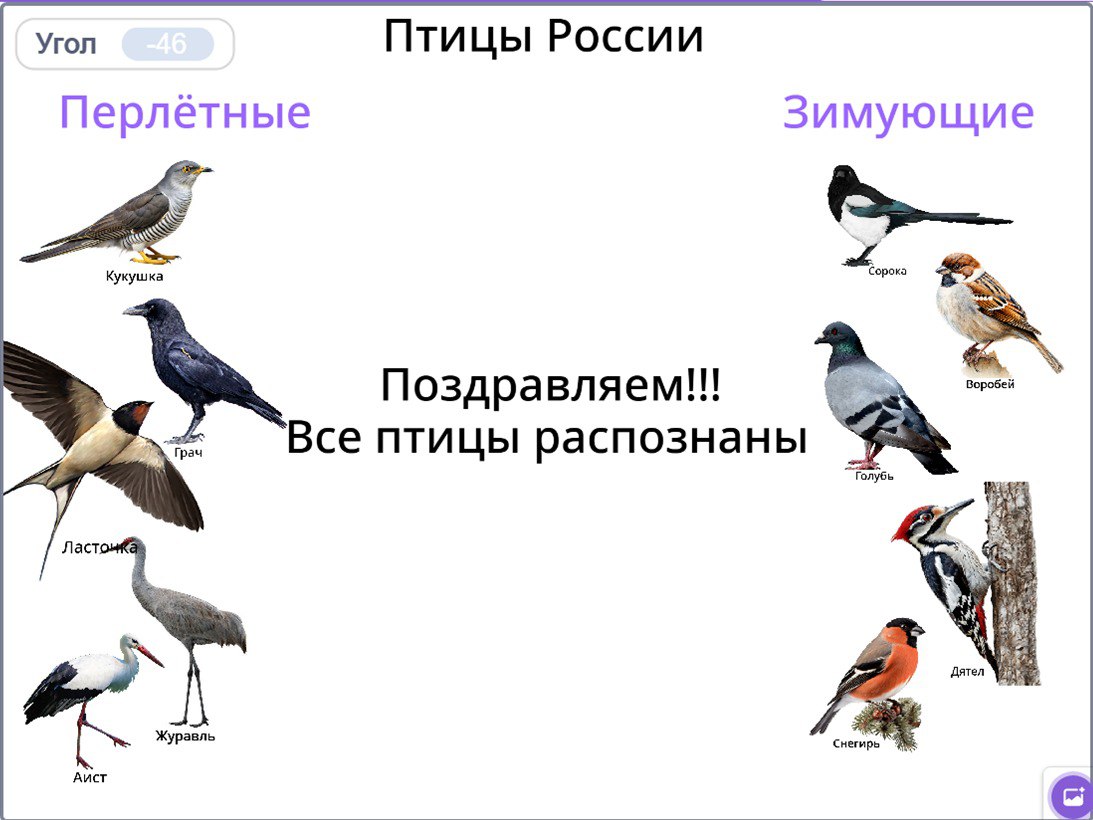
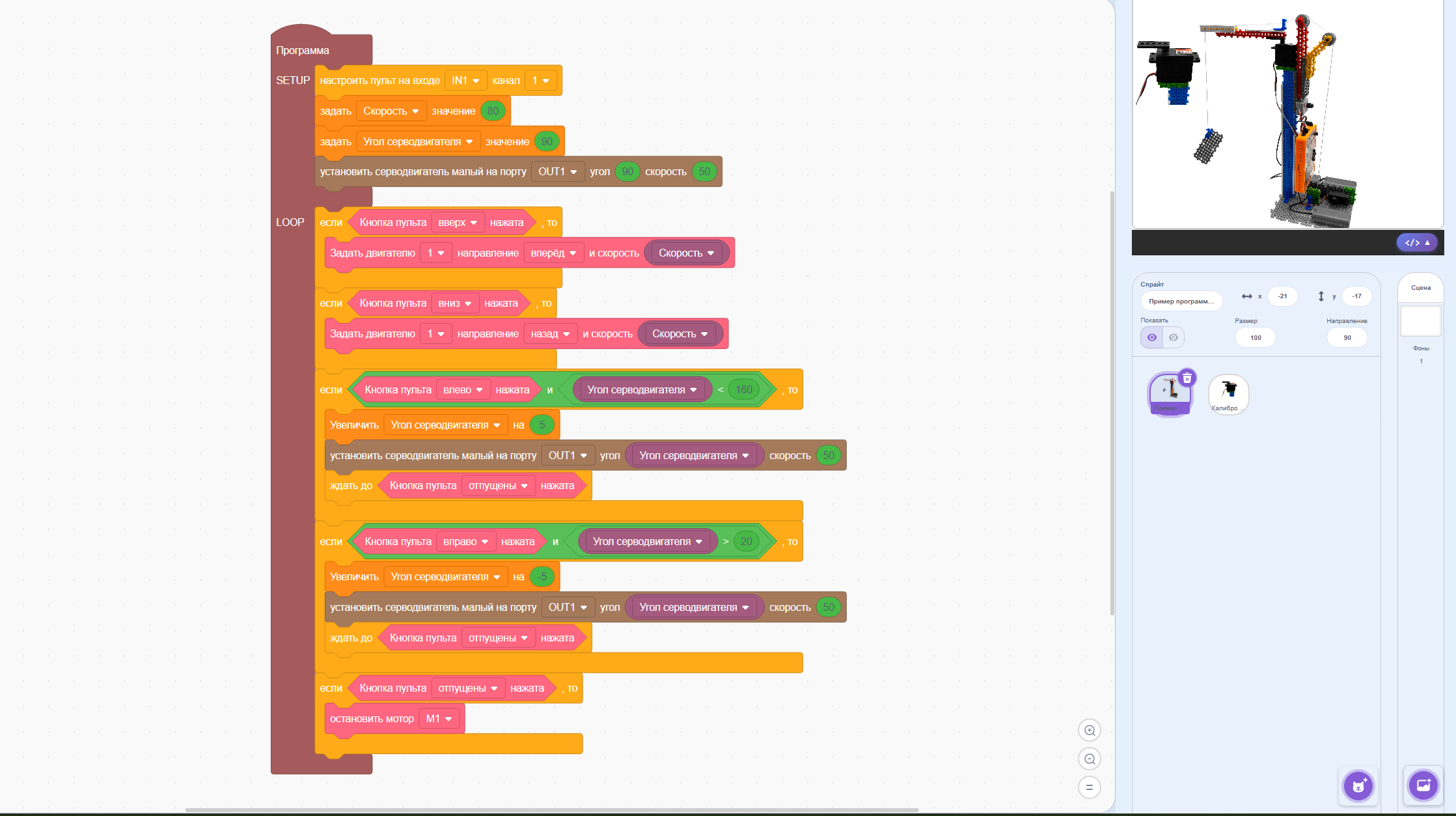
Trekikod interface
NNTrack: software for visual modelling, training, testing, and exporting neural-network architectures

Compliance and listing: complies with clause 2.18.6 of Order No. 838, is included in the technical equipment list for computer science classrooms, and is included in the Russian Software Registry (entry No. 13372, dated 26 April 2022).
NNTrack capabilities
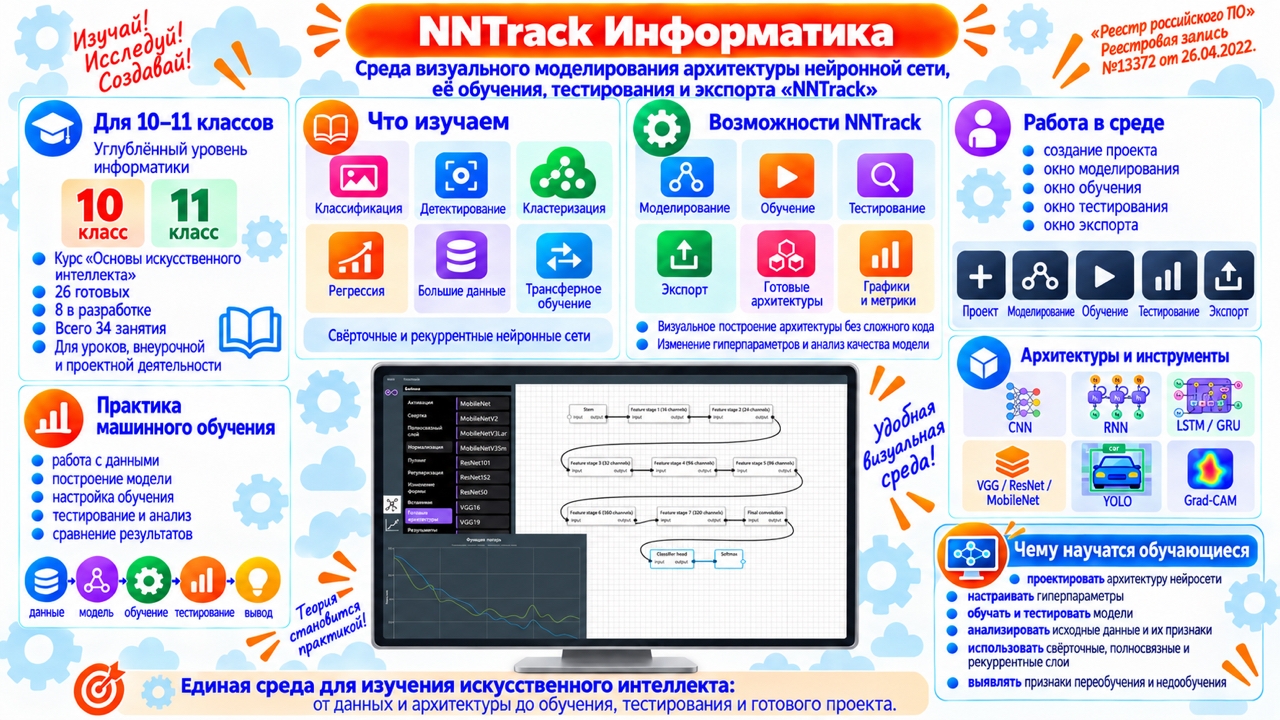
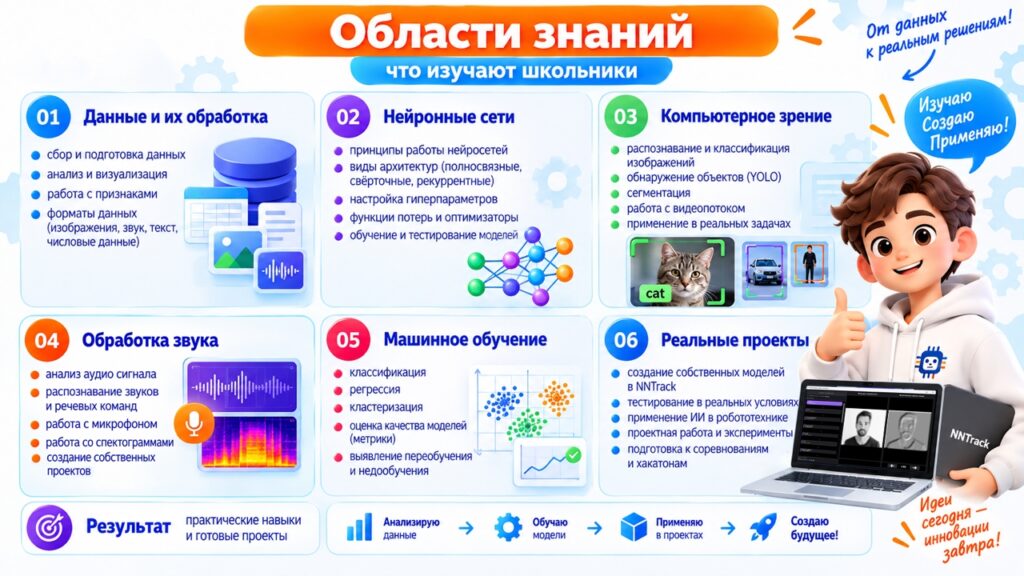
NNTrack is an environment for visual modelling, training, testing, and exporting machine-learning models. It supports images, tabular data, and audio. Pupils can:
- build neural-network architectures from visual blocks or use ready-made architectures;
- change layer hyperparameters, build convolutional and recurrent models, and create branches in a network;
- use pretrained models, configure training, apply data augmentation, and use methods to prevent overfitting;
- view training graphs and metrics, test models, and compare projects and model variations;
- visualise individual network elements and use Grad-CAM to inspect image areas that affect a model's decision;
- work on classification, object detection, tabular-data analysis, and sound recognition;
- export trained models and save architectures and training parameters to a text file for use in other programs.
Teaching resources: advanced AI for grades 10–11
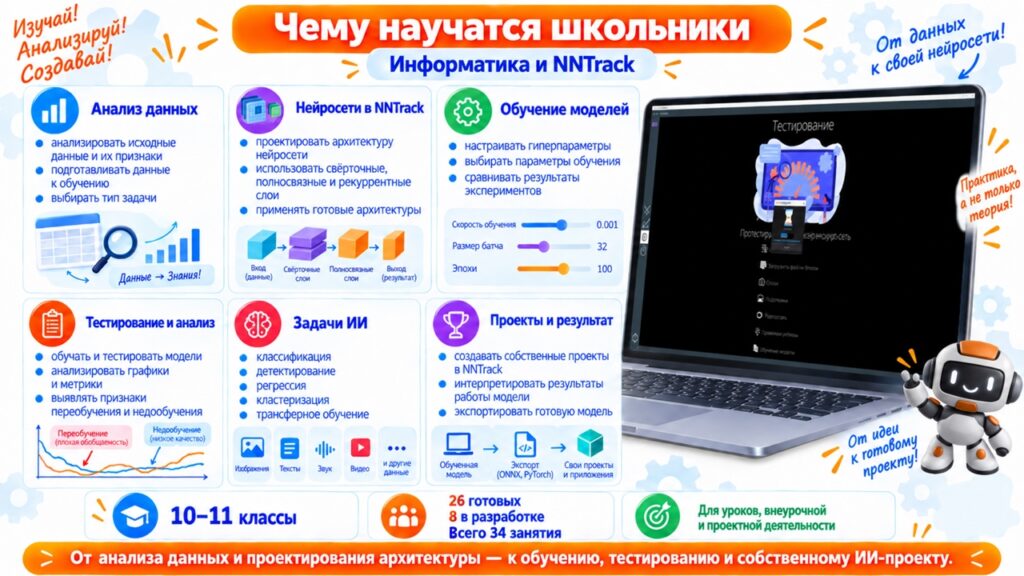
The Fundamentals of Artificial Intelligence course is intended for grades 10–11 students taking advanced Computer Science. It provides practical experience with AI, machine learning, and neural-network development in NNTrack. Students build architectures, configure and run training, test models, analyse results, and export networks. The 34-lesson course is described as having 26 lessons ready and 8 in development. It can be used in class, in extracurricular activities, or for project work. The source page says it was developed in line with the updated advanced Computer Science standard for grades 10–11 scheduled to take effect on 1 September 2027.
The course introduces classification, object detection, clustering, regression, big-data analysis, and transfer learning. Students build models, change architectures and hyperparameters, train networks on datasets, compare experiments, and identify settings suited to a task. The module is part of advanced Computer Science for grades 10–11 and can also be used as a standalone course, elective, or extracurricular activity.
AI and machine learning in grades 10–11
The Fundamentals of Artificial Intelligence and Neural Networks course begins with AI, machine learning, and neural networks and the kinds of problems intelligent systems can solve. In NNTrack, students create projects and architectures, configure blocks, and follow the model-development workflow:
data → model architecture → training configuration → training → testing → results analysis
Classification. Students study convolutional neural networks, including convolutional and fully connected layers, pooling, activation functions, normalisation, regularisation, reshaping data, and classifier output layers.
Training a neural network. Students configure the number of epochs, batch size, loss function, metrics, optimizer, validation, data augmentation, and measures against overfitting. They run several experiments with the same model, change training settings, compare the resulting metrics, and explain why one network can perform differently under different settings.
Testing and analysing a model. After training, students test the model on new data. Depending on the project, the data can include images, a video stream or recording, tables, or audio. They use a confusion matrix and quality metrics to compare predictions and decide whether the architecture, settings, or source data need to change.
Exploring network architectures. Students progress from simple models to more advanced architectures and mechanisms, including BatchNormalization, LayerNormalization, Dropout and other regularisation methods, activation functions, pooling, Depthwise and Separable convolutions, branching, and merging data streams. NNTrack supports branched models built with Fork, Add, Concatenate, and Multiply blocks. Students compare architecture variants and investigate which design improves the result.
Recurrent neural networks. The course introduces recurrent layers for sequential data: SimpleRNN, LSTM, and GRU. In practical activities, students create hybrid architectures that combine convolutional and recurrent parts, then compare how the recurrent layer affects training results. NNTrack provides these recurrent layers directly.
Transfer learning. Students use a network already trained for another task. NNTrack includes architectures from the VGG, ResNet, and MobileNet families and supports pretrained weights and freezing selected parts of a model. Students practise feature extraction and fine-tuning, train several models on the same data, and compare architectures and transfer-learning approaches.
Object detection. Unlike classification, object detection must identify an object's class and locate it in an image. Students explore the YOLO model family, create detection projects in NNTrack, work with annotated datasets, configure training, and analyse losses and metrics. They train and compare several model variants.
Clustering. Students examine a machine-learning task in which the groups are not known in advance. They analyse object features and see how an algorithm groups similar objects. The activities distinguish clustering from classification and help determine when classes are known beforehand and when the data structure must be discovered:
raw data → features → similarity search → groups → interpretation
Big data and regression. NNTrack's Big Data project type supports classification and regression on tabular datasets. Students examine dataset structure, select features and a target value, assess data quality, and choose a task type. In regression, the model predicts a numerical value. The workflow is:
data preparation → feature selection → model selection → training → testing → analysis and interpretation
Learning outcomes
By working with the course and NNTrack, students learn to:
- explain the basic principles of artificial intelligence and machine learning;
- distinguish classification, clustering, regression, and object detection;
- analyse source data and its features;
- choose a model type for a given task;
- design a neural-network architecture;
- use convolutional, fully connected, and recurrent layers;
- configure model hyperparameters and training settings;
- train and test their own models;
- analyse graphs, loss functions, and metrics;
- identify overfitting and underfitting;
- compare architecture variants;
- apply transfer learning and use ready-made architectures;
- interpret model results;
- run experiments and justify the choice of an effective solution;
- develop a project using artificial-intelligence technologies.
NNTrack interface
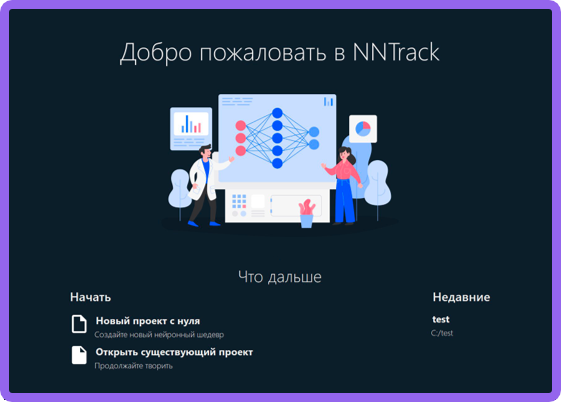
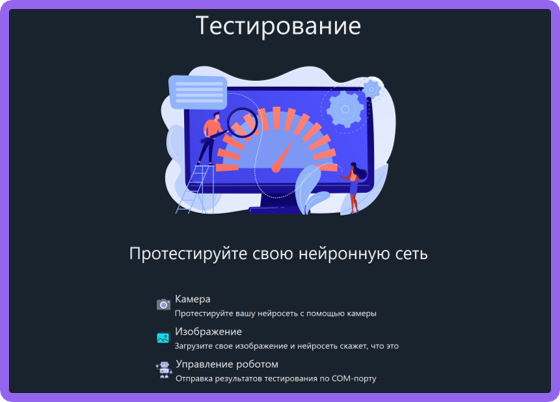
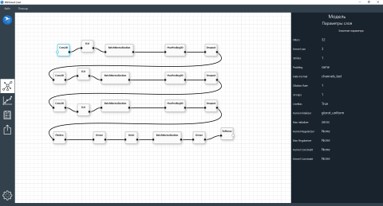
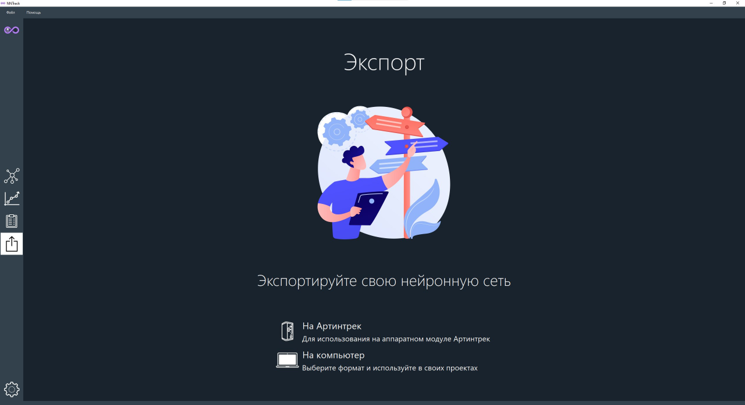
The source page shows the visual architecture editor and NNTrack workspaces used for model design, training, and analysis.
Products for computer science lessons