
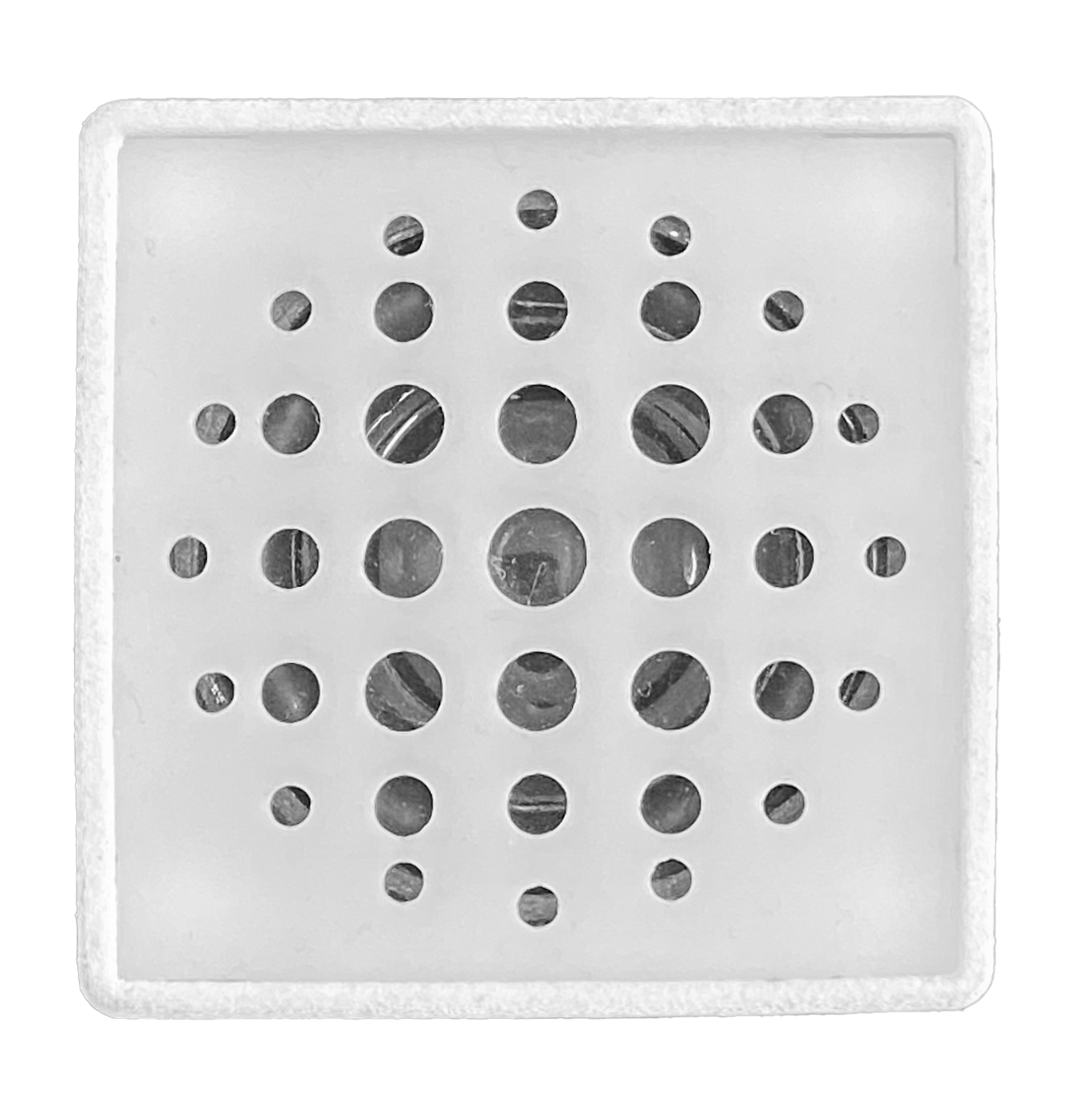
Technical specifications
- Supply voltage: 3.3–5 V.
- Number of channels: 1 (mono, 3 W).
- Supported file systems: FAT16, FAT32.
- Maximum microSD card capacity: 32 GB.
- Speaker impedance: 4 Ω.
- Folders for audio files: up to 100.
- Tracks per folder: up to 255.
- Audio formats: MP3, WAV, WMA.
- Module weight: 60 g.
- Dimensions: 63 × 50 × 50 mm.
- Pre-installed memory card: at least 8 GB.
Description
The AudioTrack audio module expands the capabilities of the Trackduino controller. It plays audio in popular formats such as MP3, WAV, and WMA. An 8 GB microSD card is installed in the module, so it is ready to use out of the box. The built-in 3 W speaker with 4 Ω impedance can make projects loud enough to be heard in large rooms. The module is controlled by software and can operate autonomously; it does not require a separate power supply.
The Robotrack software libraries and visual blocks support these basic operations:
- play a specific file;
- play a specific file from a selected folder;
- pause playback;
- resume playback;
- play the next or previous track;
- increase or decrease the volume;
- set the volume as a percentage from 0 to 100.
Use
Connection
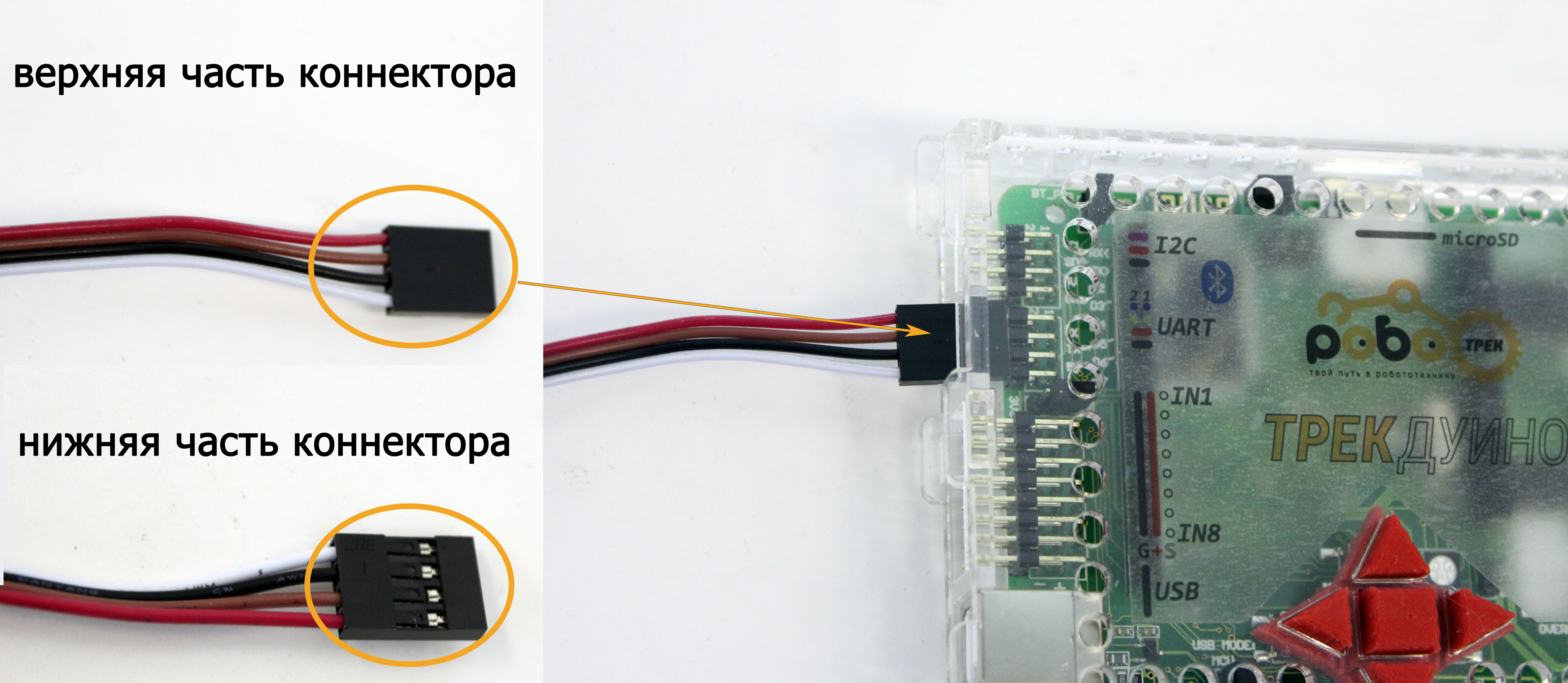
The module uses a 4-pin UART connector and can be connected to either of the two UART ports on the Trackduino controller.
Connect AudioTrack to the board using the included 4-wire bus as shown below. The top of the connector should face the front of the Trackduino board. The audio module wire colors may vary.
Adding your own files
To copy files to the microSD card:
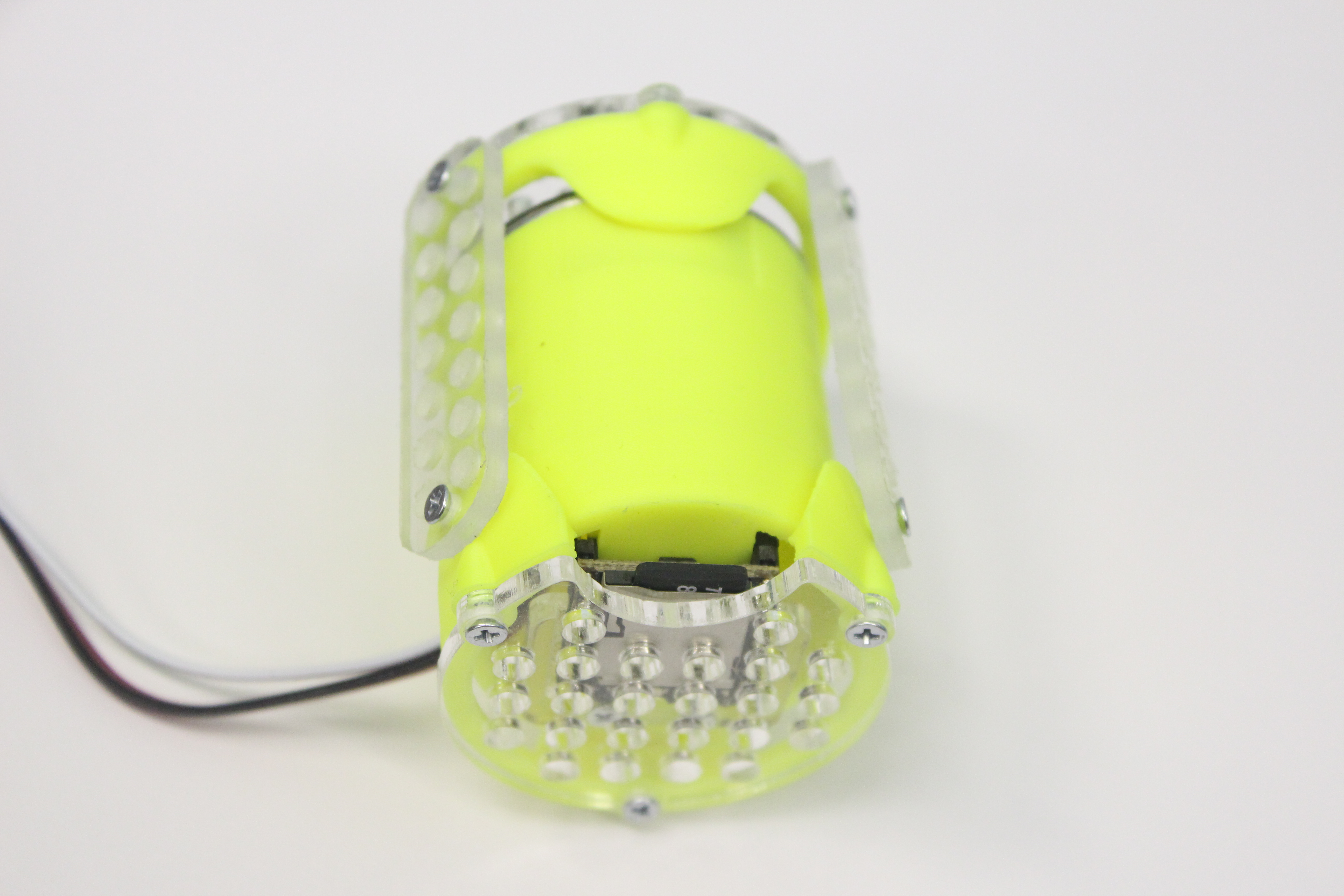
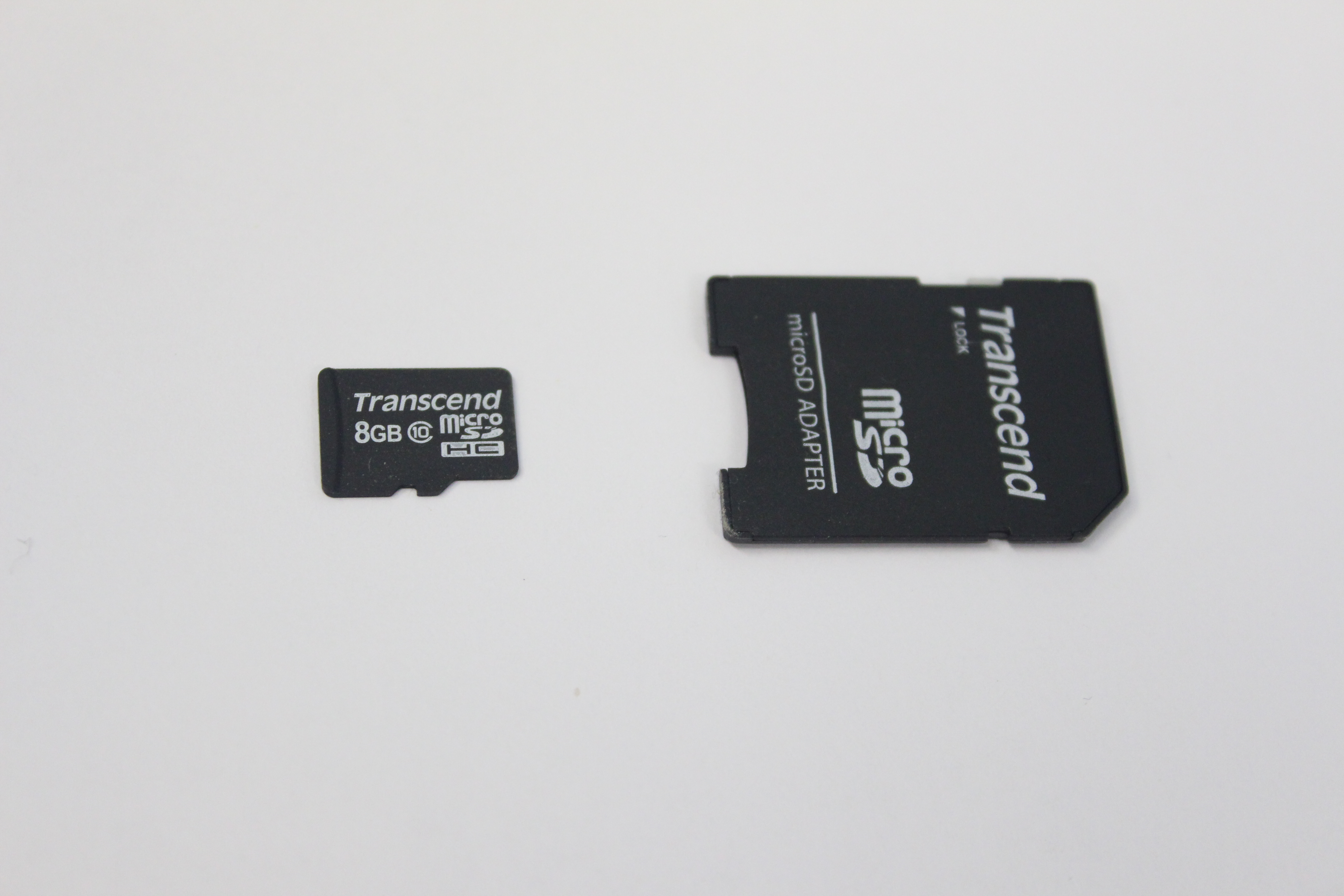
- Remove the microSD card from AudioTrack.
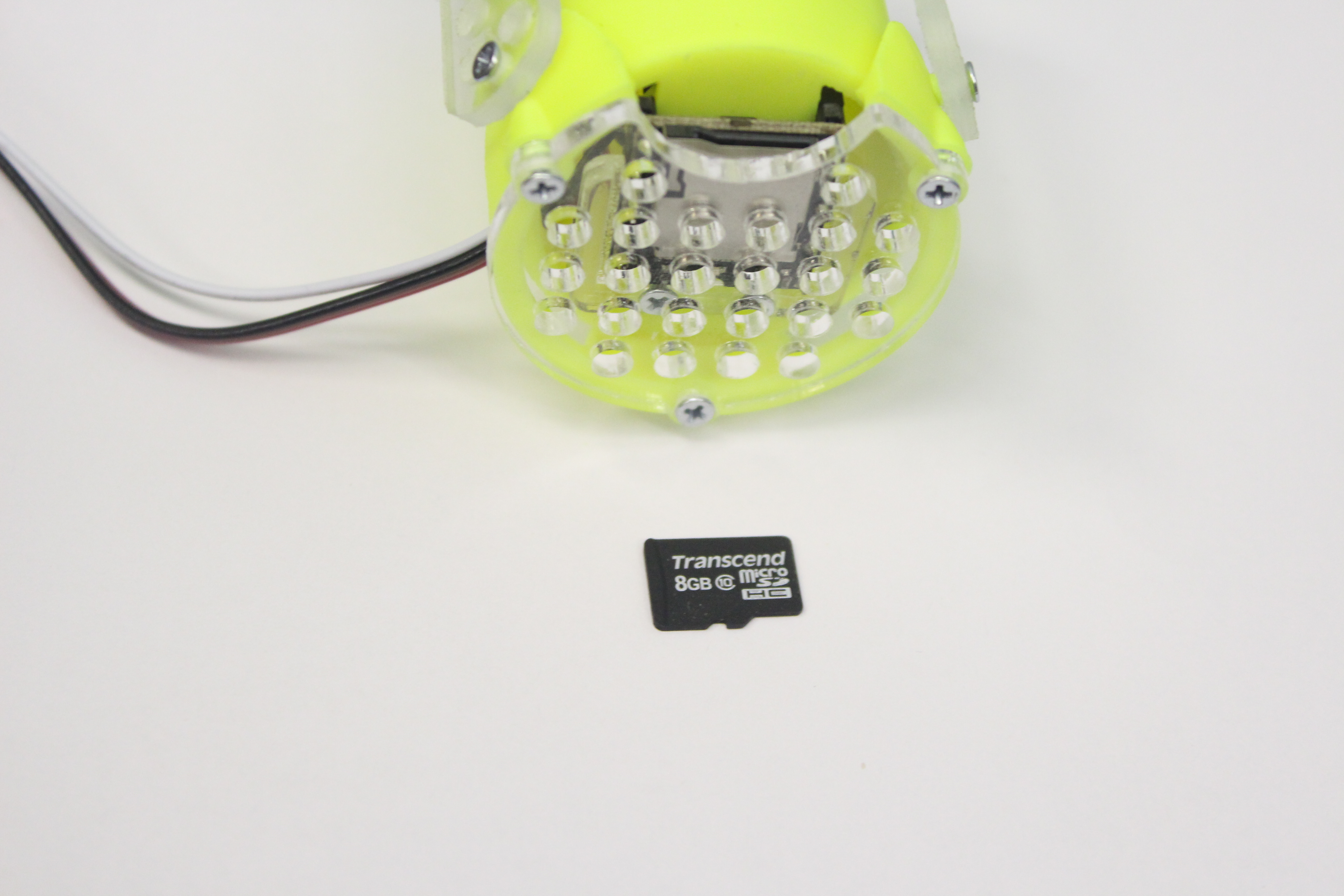
- Use the included adapter to connect the memory card to a computer.
- The card contains a sample program (
sample.abp) and instructions for it. Load the sample onto the Trackduino board.
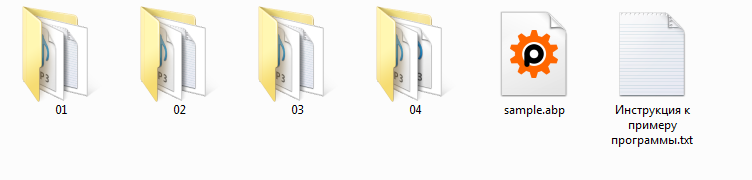
- The card also contains four folders with sounds and melodies. Folder
01contains sound effects for projects, folder02contains children's songs, folder03contains music from open sources, and folder04contains recorded actions for robotics projects. Information about the files is included in the folders. There are 140 audio files in total for getting started with AudioTrack.
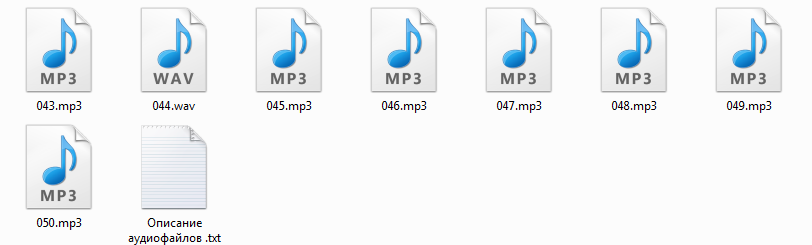
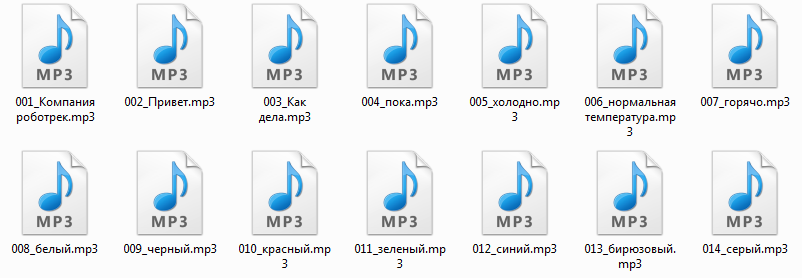
- To create your own playlists, number folders and files correctly. Use two-digit folder names such as
01,02,03, up to10. Prefix each file with a three-digit number, from001to255. You can keep the file name after the number, for example001_example.mp3. If the card contains files named010.mp3and025.mp3, use Play file (1) for010.mp3and Play file (2) for025.mp3: the command uses the file's position in the directory.
Programming
All AudioTrack blocks are in the MP3 Player block group.
To use AudioTrack, include the MP3Player_KT403A.h library and create an mp3player object with the UART interface connected to the module as an argument. In the visual environment, use the Connect MP3 player block in the Setup section.
| Block and generated function | Description |
|---|---|
 #include <MP3Player_KT403A.h>mp3player mp3(int UARTport);mp3.SelectPlayerDevice(0x02); | Includes the AudioTrack library, creates an object named mp3, and selects the microSD card as the audio source.Argument: UART (int uartPort) — UART interface connected to AudioTrack: UART1 or UART2. |
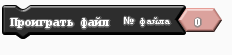 mp3.SpecifyMusicPlay(int track); | Plays a file numbered from 000 to 255. Argument: track (int track) — audio file number from 000 to 255. |
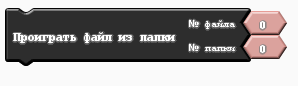 mp3.SpecifyfolderPlay(int folder,int track); | Plays the specified file (000–255) from the specified folder (00–10). Arguments: track (int track) — audio file number from 000 to 255; folder (int folder) — folder number from 00 to 10. |
 mp3.PlayPause(); | Pauses the audio file. |
 mp3.PlayResume(); | Resumes playback. |
 mp3.PlayNext(); | Plays the next file in order. |
 mp3.PlayPrevious(); | Plays the previous file in order. |
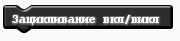 mp3.PlayLoop(); | Repeats the track continuously; use the command again to turn repeat off. |
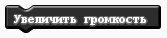 mp3.IncreaseVolume(); | Increases the volume by one step. There are 30 steps from minimum to maximum. |
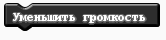 mp3.DecreaseVolume(); | Decreases the volume by one step. There are 30 steps from maximum to minimum. |
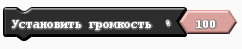 mp3.SetVolume(int Vol); | Sets the volume from 0 to 100 percent. Argument: volume (int Vol) — volume level from 0 to 100 percent. |
Project example
Player controlled by Trackduino's built-in buttons
The example uses a 100 ms delay. Increase it if the player skips every other track when switching.
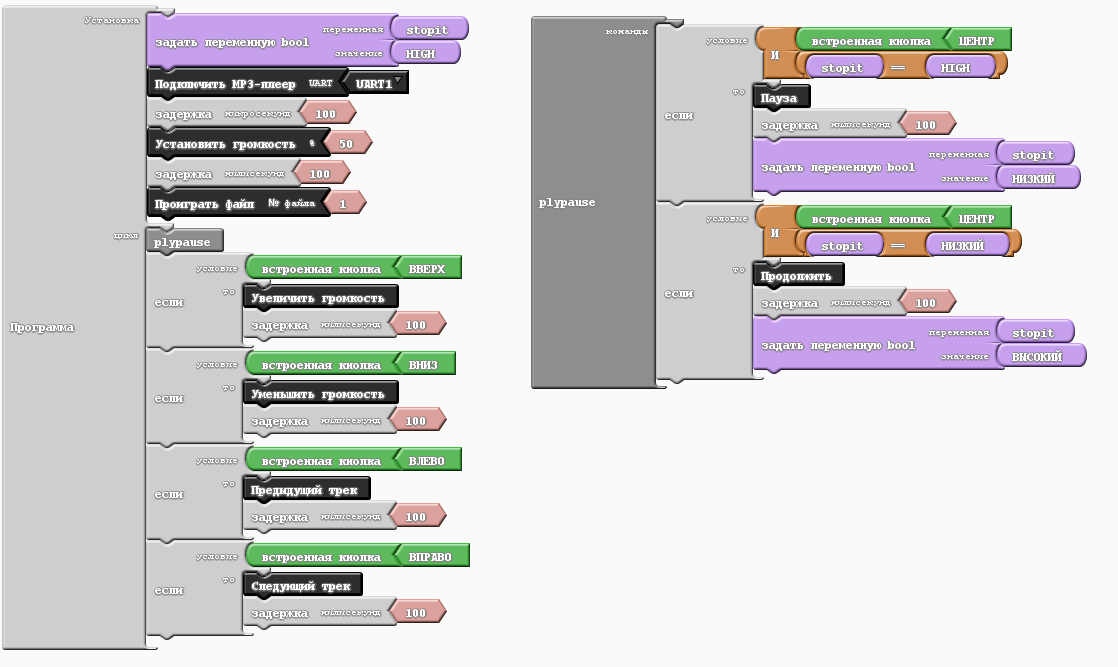
Generated code:
#include <MP3Player_KT403A.h>

bool _ABVAR_1_stopit= false ;
mp3player mp3(UART1);

void plypause();

void setup()
{
  mp3.SelectPlayerDevice(0x02);//select SD card as source
  _ABVAR_1_stopit = HIGH ;

  delayMicroseconds( 100 );

  mp3.SetVolume(50);
  delay( 100 );

  mp3.SpecifyMusicPlay(1);
}

void loop()
{
  plypause();
  if (buttonRead(BTN_UP))
  {
    mp3.IncreaseVolume();
    delay( 100 );
  }
  if (buttonRead(BTN_DOWN))
  {
    mp3.DecreaseVolume();
    delay( 100 );
  }
  if (buttonRead(BTN_LEFT))
  {
    mp3.PlayPrevious();
    delay( 100 );
  }
  if (buttonRead(BTN_RIGHT))
  {
    mp3.PlayNext();
    delay( 100 );
  }
}

void plypause()
{
  if (( buttonRead(BTN_CENTER) && ( ( _ABVAR_1_stopit ) == ( HIGH ) ) ))
  {
    mp3.PlayPause();
    delay( 100 );
    _ABVAR_1_stopit = LOW ;
  }
  if (( buttonRead(BTN_CENTER) && ( ( _ABVAR_1_stopit ) == ( LOW ) ) ))
  {
    mp3.PlayResume();
    delay( 100 );
    _ABVAR_1_stopit = HIGH ;
  }
}